Role
Duration
Year
Location
Using 1-3 basic screens, I used Figma to recreate Erewhon's mobile app interface. This bootcamp's final product included designing two kinds of frames, one with vertical scrolling and the other with horizontal, a card that houses variant component properties, at least two prototyped buttons or icons with default and active states, all with correct application of auto layout and named layers.
Overview
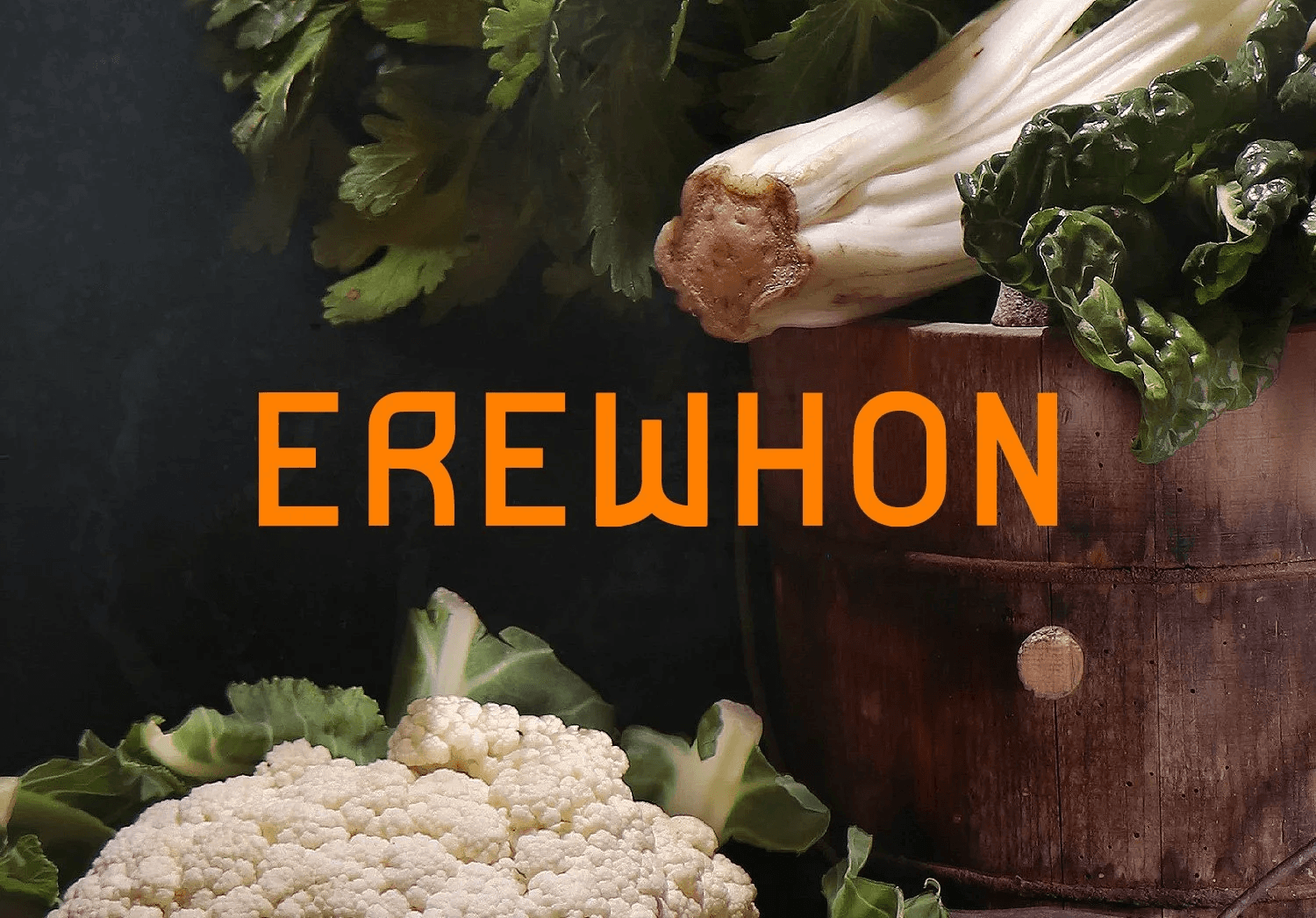
Through this self-guided Figma Bootcamp project, I wanted to practice my UX design skills to see if I could design one of my favorite apps from scratch. If anyone knows me, they know that I could live in Erewhon if I could. Therefore, it was a no brainer that I wanted to model Erewhon's mobile app through this project. Especially when practicing using a grocery store app, I found it great practice to hone my skills in multiple sets of auto layout, componentry, gaining the patience of recreating a brand's style guide, and a newfound appreciation for food photography!
Building from Reference
The starting point for this project was simple: recreate an app I actually use. Working from screenshots of Erewhon's mobile interface, I built out a style guide from scratch, pulling typography, color, and layout details directly from the app. Since the original assets weren't accessible, I sourced high-definition food photography to stand in, which pushed the frames closer to a polished, production-ready feel.
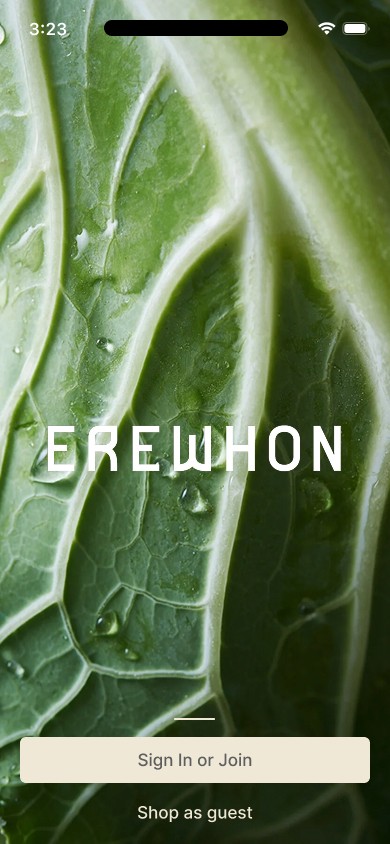
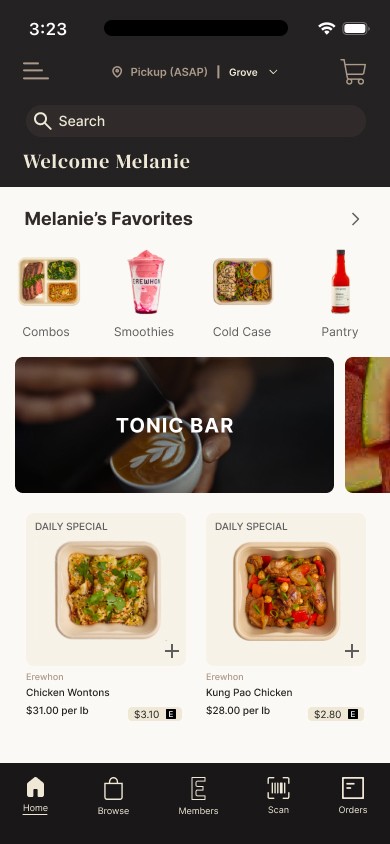
Building each component from the ground up was where the real learning happened. Card componentry had always felt intimidating from the outside, like each individual card would require its own time-consuming build. In practice, it was the opposite. Once the first card or scrolling component was designed, replicating it across a scrolling section with different content became fast and intuitive. Auto layout and named layers kept everything organized, and the variant prototyping gave the interactions a sense of life that made the whole flow feel cohesive.
Reflection
Recreating something familiar turned out to be one of the most effective ways to learn. Having a clear visual bar to design toward made every decision more intentional. Beyond the technical skills, this project changed how I relate to design software altogether. Figma went from feeling complex and unapproachable to something genuinely enjoyable. Watching a screen come together component by component is immediately rewarding, and designing this close to a real product deepened my appreciation for the clean, effective UI we interact with every day without thinking twice.